

Set user role capabilities
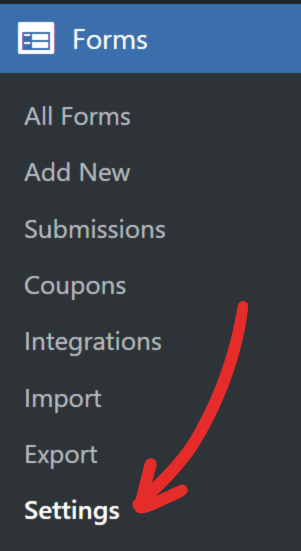
1. Head to Forms → Settings screen.
2. Expand the Role Capabilities section.
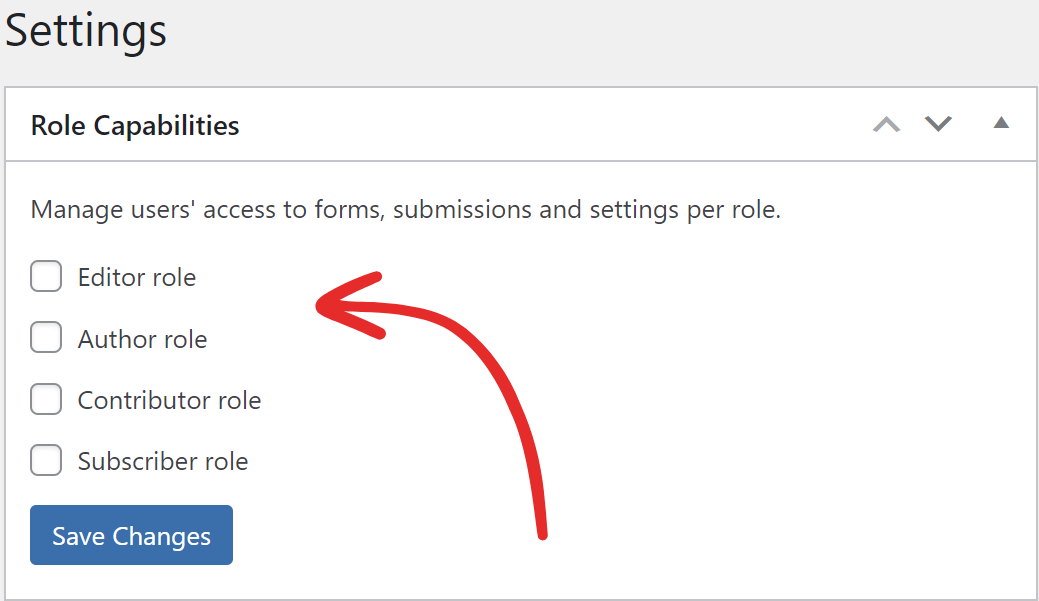
3. Tick the checkbox beside the role that you want to give access to.
4. Select which sections you want the role to have access to.
5. Click Save Changes to save the changes.