

Trash a form
Only forms without submissions can be trashed. If the form has submissions, those should be trashed first continue with these steps.
1. Head to Forms → All Forms screen.
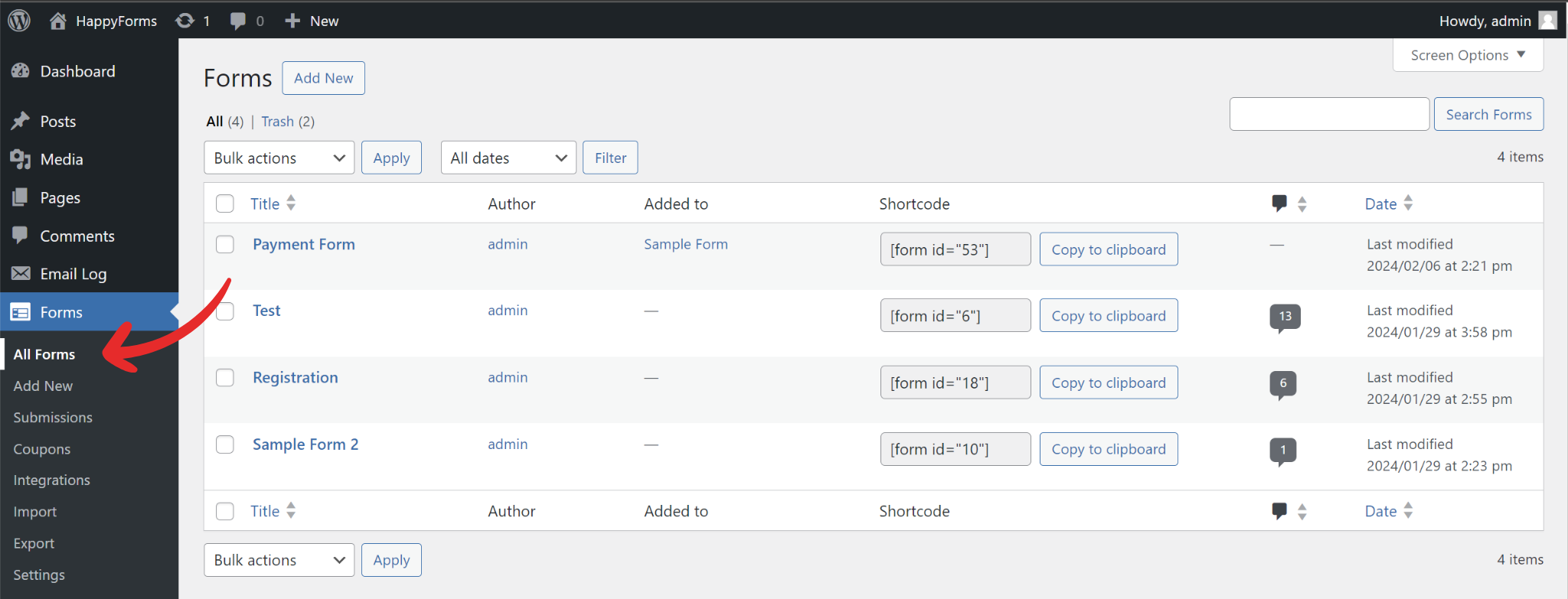
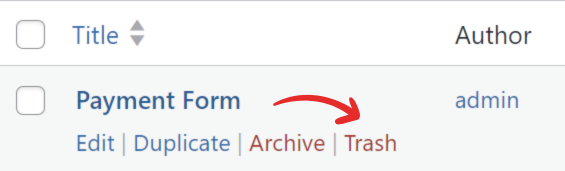
2. Hover over the form you want to trash.
3. On the hover menu, click Trash.
4. The form will be moved to Trash.