

Change a submission date
1. Head to Forms → Submissions screen.
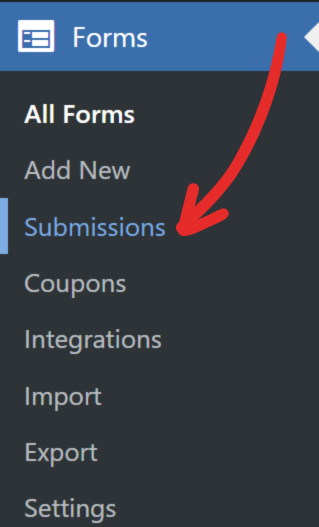
2. Hover over the submission whose submission date you want to change.
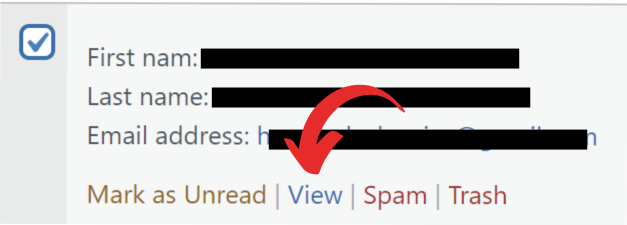
3. On the hover menu, click on the View link to edit the submission.
4. Click the Edit link beside the date that’s in the Save meta box that’s located on the right sidebar of the screen.
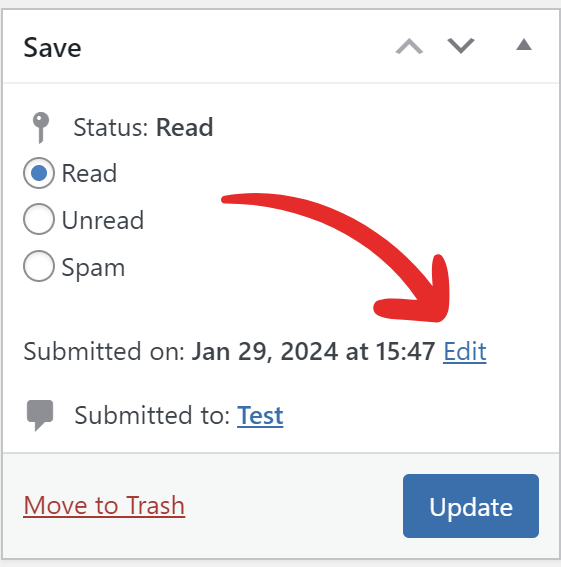
5. Select the date you want, then press Ok once done.
6. Click the Update button to save the changes.