
Remove a form from a post, page, or template
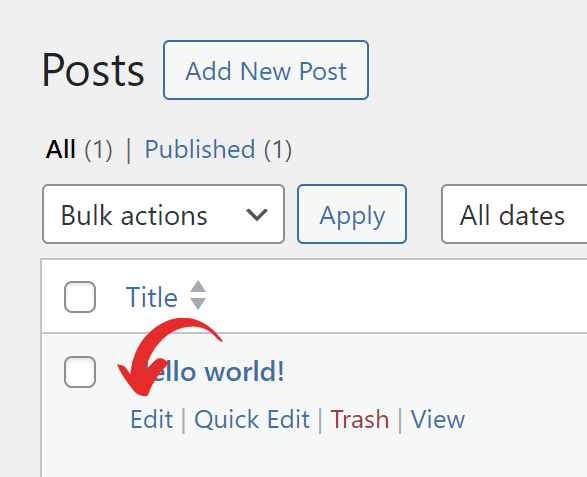
1. Head to Edit Post/Edit Page screen.
2. Click for the form block you’re going to delete.
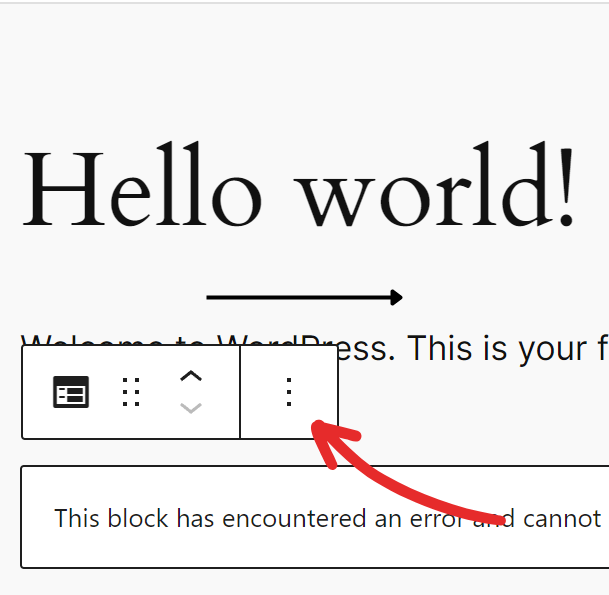
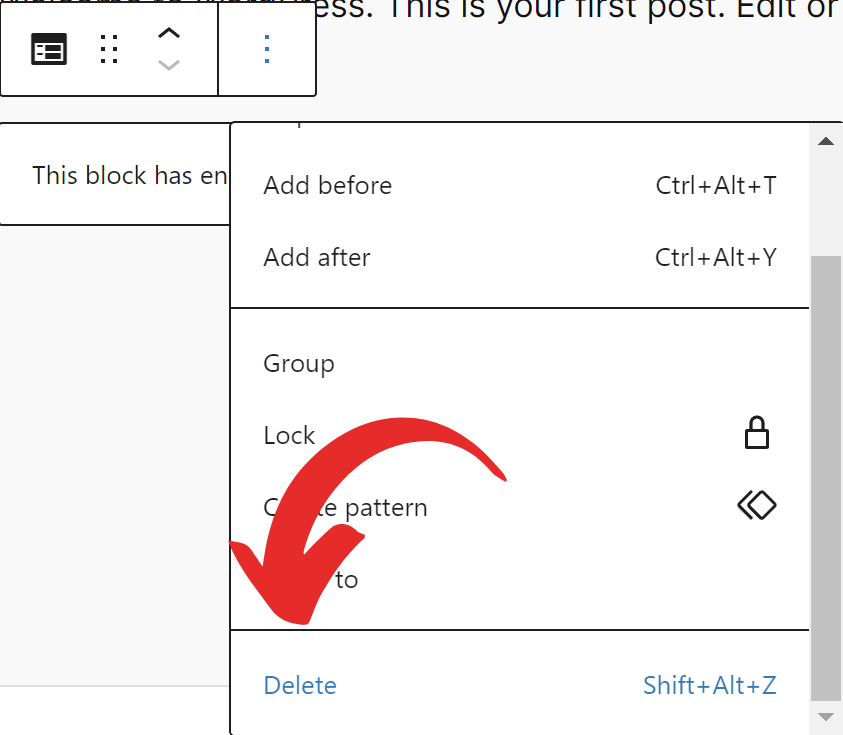
3. Click on more options (three dots).
4. Click Remove Forms.
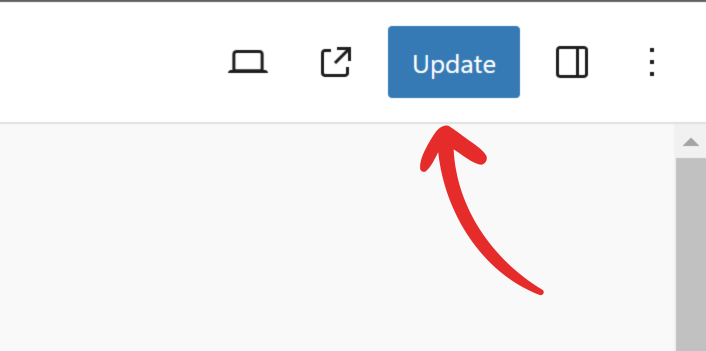
5. Click the Publish/Update button to save the changes.