

Mark a submission read/unread
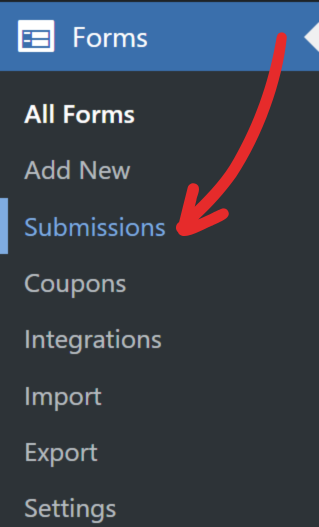
1. Head to Forms → Submissions screen.
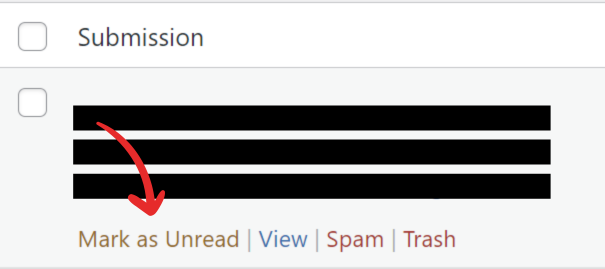
2. Hover over the submission you want to mark, a hover menu will appear.
3. On the hover menu, click Mark as Read/Unread.
4. Any unread submission is highlighted with a yellow background.