
Add a form to a post, page
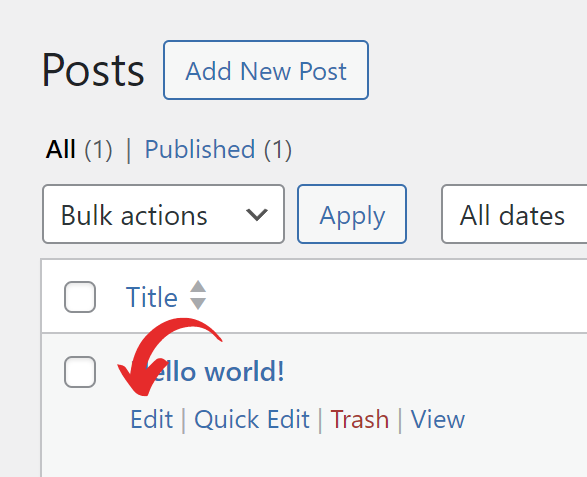
1. Head to the Edit Post/Edit Page screen.
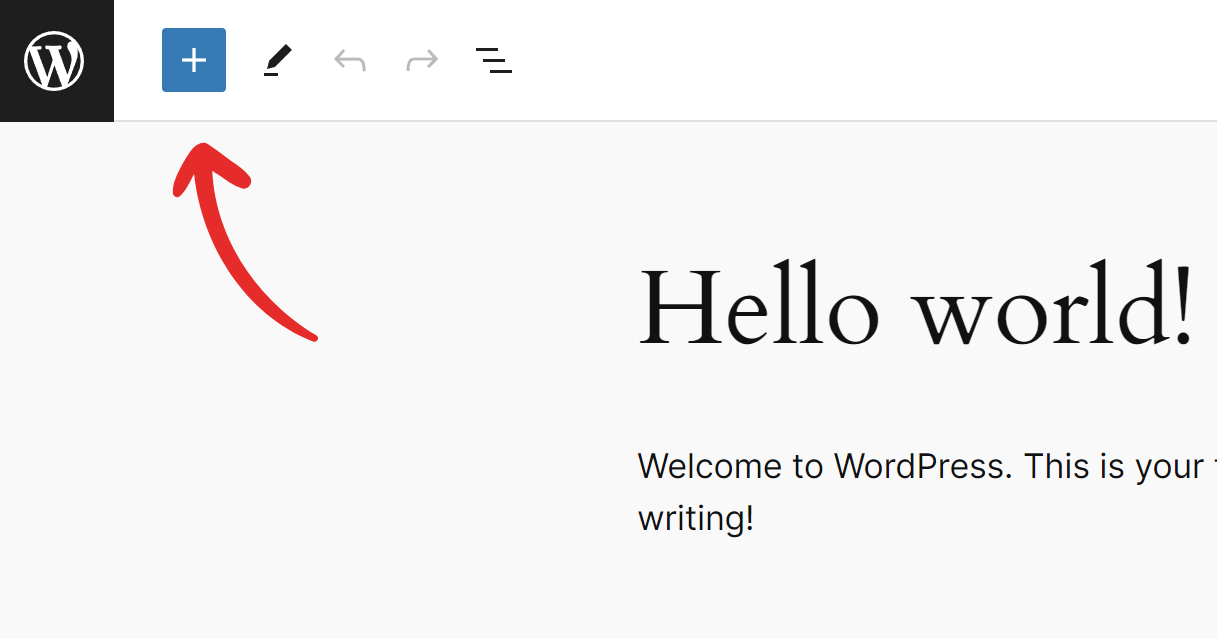
2. Click the Block inserter icon (+).
3. Search for the Form block and add it to your post/page.
4. Once added, select the form you’re going to add in the dropdown.
5. Hit the Insert button.
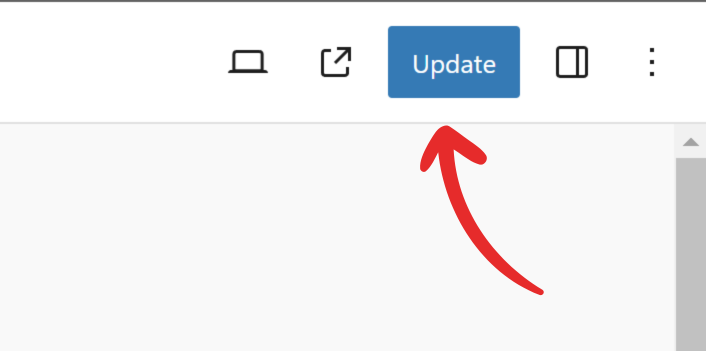
6. Click the Publish/Update button to save the changes.